Getting Started
Set up your organization, enter your weekly class schedule, and publish it. Most studios are set up in about ten minutes.
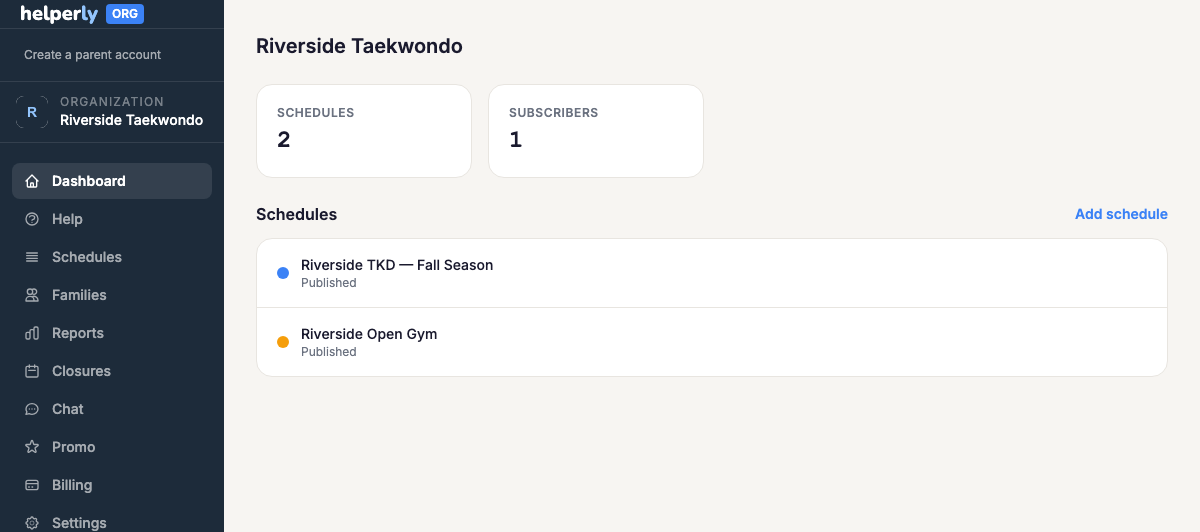
- 1. Create your org account — set up your organization's profile. If your studio is already listed on Helperly, email hello@helperly.app and, once we've confirmed you run it, we'll make you its admin. Organizations can't be claimed online.
- 2. Enter your weekly schedule — including classes that repeat on different days for different levels, like martial arts belt levels.
- 3. Publish it — on the $25/month Business plan, the schedule becomes visible to parents who subscribe.
- 4. Post your first override — try a one-off change to see how fast it reaches parents.
Removing a schedule
When a season is over, open the schedule, choose Edit, and use "Remove this schedule" in the danger zone. Every family's subscription and reminders for it turn off, its public page and calendar feed come down, and its chat stays readable but takes no new messages. It moves to "Archived schedules" on your schedules list, and Restore brings it back (families need to subscribe again).
Video: Set up your studio schedule in 10 minutes