Chat Groups
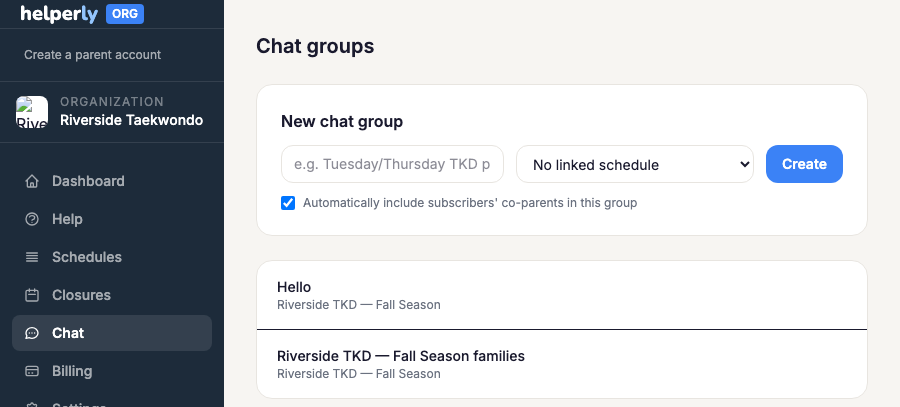
Message subscribed families directly from Helperly instead of a separate group text or GroupMe — parents get an in-app unread indicator, no new app to install.
Who's in a group
Every family subscribed to a schedule is automatically part of that schedule's chat group — there's no separate invite step. Post an update and every subscribed parent sees it.
Message retention
Chat history rolls off after a retention window: 90 days on the free org plan, 3 years on the paid $25/mo plan. Anything older than the window simply isn't shown — there's no way to browse past it, so treat chat as a supplement to overrides and closures for anything that needs to stay on the record long-term.
Messaging one family privately
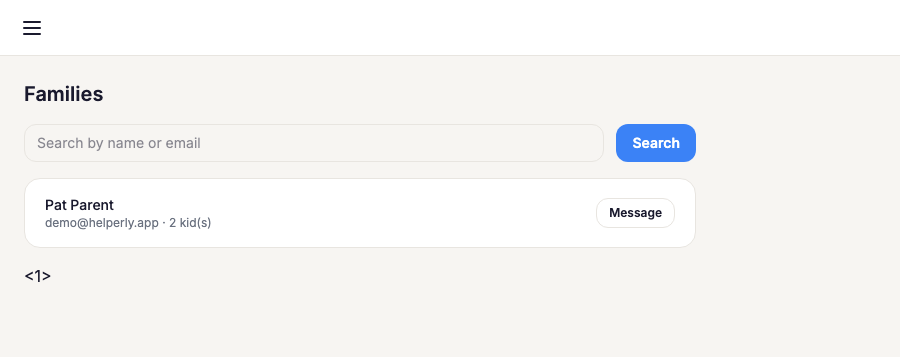
Group chat is public to every subscriber, but sometimes you need to reach just one family — a billing question, a behavior conversation, anything that shouldn't go to the whole group. The Families page lists everyone currently subscribed to one of your schedules; click Message next to a family to open a private thread with just them (and any co-parents on their account). It works the same whether or not you've turned on group chat above.